
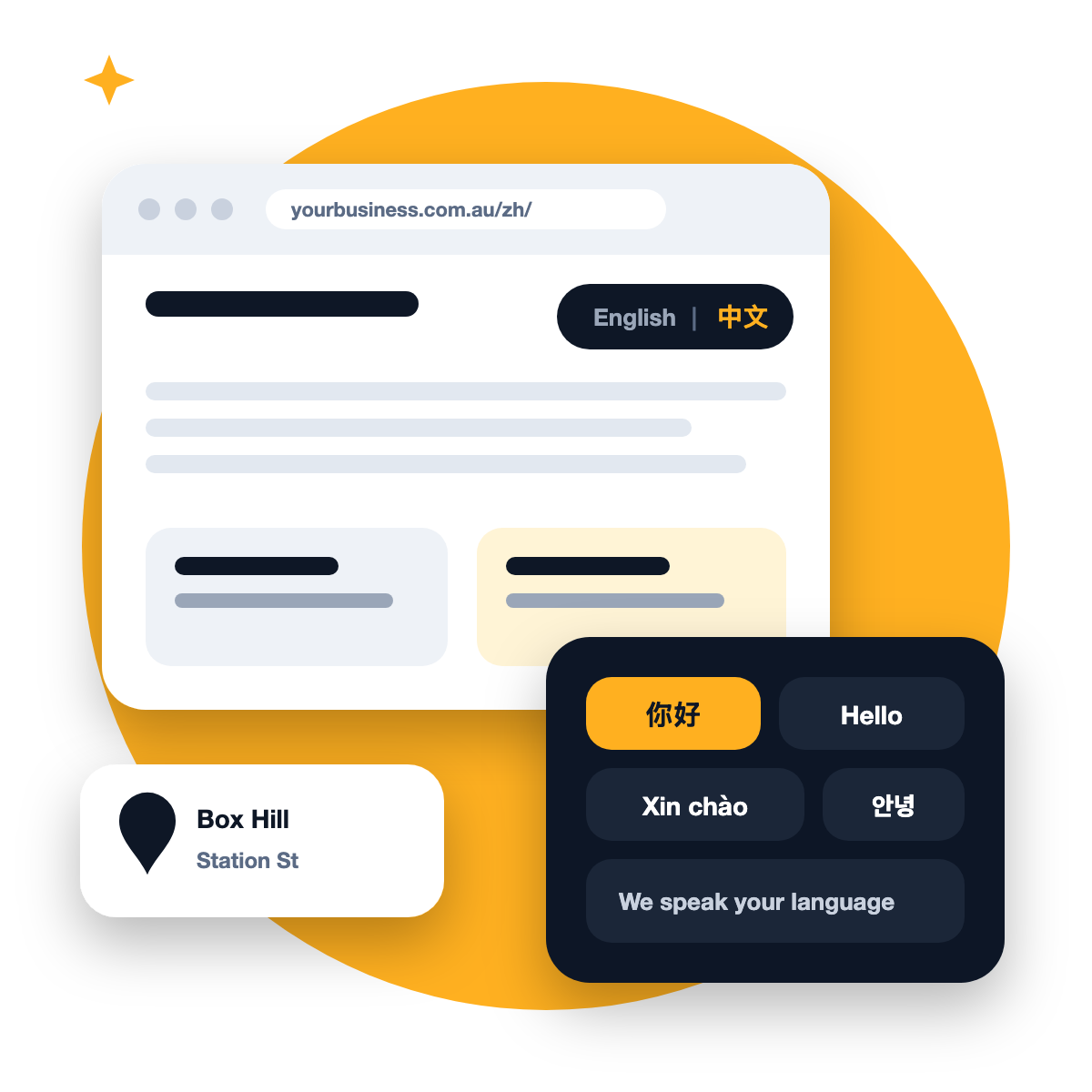
Box Hill is one of Melbourne’s busiest and most multicultural centres. Walk through the shopping centre or along Station Street and you’ll hear Mandarin, Cantonese, Vietnamese, Korean and English, often in the same queue. Many local businesses serve customers in two or three languages every day.
Online, though, most of those businesses only show up in one. A customer searching in Chinese for a dentist, accountant or real estate agent near Box Hill may never see a business that would have served them perfectly, simply because its website and Google profile are English-only.
This guide covers how to fix that properly, without confusing Google or your customers.
Why language matters for local search
People search in the language they think in. Someone more comfortable in Mandarin will often search in Mandarin, and Google tries to show them pages in that language. If your website only has English pages, you’re largely invisible to those searches, even if your team speaks the language fluently.
The opposite is also true: a business that clearly serves customers in their language, online and in person, earns a level of trust that’s hard for competitors to match.
1. Give each language its own pages
Google recommends using separate URLs for each language version of a page, rather than switching the language with cookies or browser settings. In practice, that looks like:
- English: yourbusiness.com.au/services/
- Simplified Chinese: yourbusiness.com.au/zh/services/
Each language version should be a complete page in that language. Google says it works out a page’s language from the visible content, and advises against side-by-side translations on the same page or translating only the menu and buttons while the main text stays in English.
2. Tell Google the pages are translations
Use hreflang tags (or your sitemap) to tell Google that your English and Chinese pages are versions of each other. That helps Google show the right one to the right searcher. Most website platforms have a plugin or setting that handles this.
3. Let people choose their language, and don’t force it
Google advises against automatically redirecting visitors to a language based on what you think they speak. Instead, add a clear language switcher at the top of every page (“English | 中文”), so customers can choose and Google can find every version.
4. Translate properly, not just automatically
Machine translation has improved, but it still gets tone, industry terms and local phrasing wrong, and customers notice. Use it for a first draft if you like, then have a fluent speaker, ideally someone on your team, review every page. Pay special attention to:
- Service names and prices
- Instructions (how to book, what to bring, where to park)
- Anything legal, medical or financial
We build websites for Melbourne small businesses from $700, with extra language versions quoted upfront.
5. Make your Google Business Profile multilingual-friendly
Your Google profile has one business name, which must be your real name as shown on your signage. But there’s plenty you can do around it:
- Mention the languages you speak in your business description, for example: “Our team speaks English, Mandarin and Cantonese.”
- Add photos of bilingual signage, menus or materials, so customers can see it for themselves.
- Welcome reviews in any language. Reviews in Chinese, Vietnamese or Korean show future customers that people like them already trust you. Reply in the language the review was written in.
- Post updates in more than one language when they matter to different groups of customers.
The rest of your profile matters just as much. Our list of 10 Google Business Profile mistakes covers the basics.
6. Meet customers on the apps they use
Different communities prefer different ways of getting in touch. Many Chinese-speaking customers use WeChat; others prefer WhatsApp, phone or email. Show the options you actually answer, clearly, on every language version of your website.
7. Run ads in the right language
If you advertise, create separate ads for each language rather than one ad trying to serve everyone. In Google Ads, you can target ads by the languages people use; in Facebook and Instagram ads, write each ad in the language of the people you want to reach and keep your location targeting tight to Box Hill and the suburbs nearby, such as Doncaster, Blackburn, Burwood and Mont Albert.
Where to start
You don’t need to translate everything at once. A sensible first step:
Priority
Page or task
1
Add your languages to your Google profile description and website footer
2
Translate your homepage and contact page
3
Translate your two or three most important service pages
4
Add hreflang tags and a language switcher
5
Start asking for reviews from customers in every language you serve
Source: Managing multi-regional and multilingual sites, Google Search Central
Frequently asked questions
Will a second language hurt my English rankings?
No, as long as each language has its own pages and they’re properly linked with hreflang. It simply gives you a chance to appear in more searches.
Should I use a separate website for each language?
Usually not. Separate folders on one website (such as /zh/) are simpler to manage and keep all your authority in one place.
Can I just add a translate button?
A translate widget helps visitors read the page, but those automatic translations generally aren’t pages Google can show in search results. For search, you need real translated pages.