
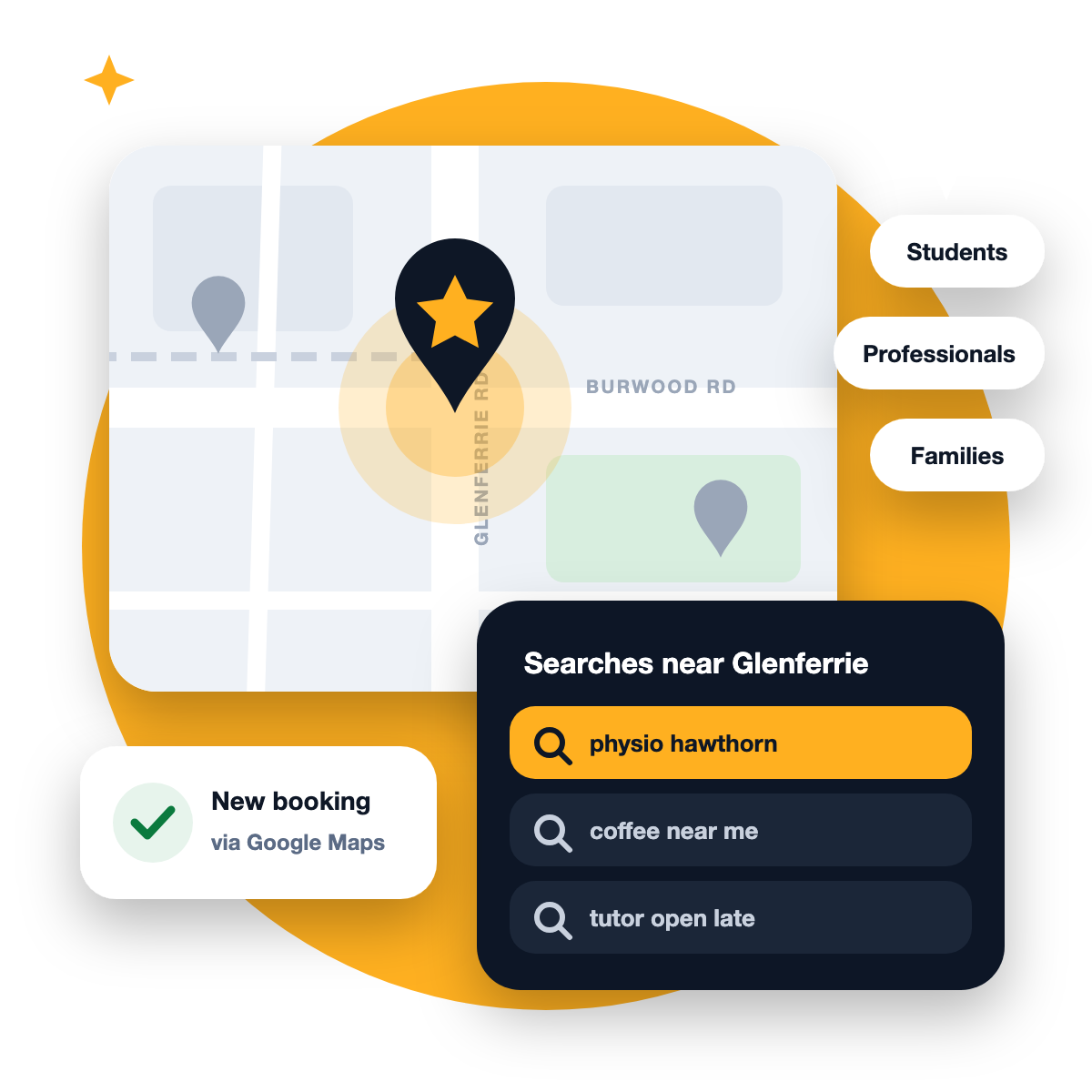
Hawthorn is one of Melbourne’s busiest inner-east suburbs. Glenferrie Road and Burwood Road are lined with cafes, clinics, gyms, salons, tutors and professional services, and the customers walking past them are a real mix: Swinburne students, young professionals, long-time Boroondara families and people passing through on the train or tram.
That mix is an opportunity. Each group searches differently, and a business that understands how can win customers that its neighbours miss. This guide shows how.
Three audiences, three ways of searching
Audience
How they search
What wins them
Students
On their phone, between classes, often “near me” or “cheap”
Clear prices, quick booking, open late, good reviews from people like them
Young professionals
Short, specific searches at lunch or after work
Online booking, fast replies, a polished website
Local families
Searches for trusted, established services; more likely to read reviews in full
Many detailed reviews, consistency, a sense you’re part of the community
You don’t need to target all three. But knowing which group brings you the most value should shape your profile, your photos and the words on your website.
Start with your Google Business Profile
In a suburb as busy as Hawthorn, your Google Business Profile is often the first and only thing a customer sees before they call. Google says local results are based mainly on relevance, distance and prominence, so your profile needs to be strong on all three things you control.
Relevance: say exactly what you do. Choose the most specific primary category, add every service you offer, and write a description that a customer would recognise. “Sports physiotherapy and running injury clinic” says more than “health services”.
Prominence: give people reasons to trust you. Reviews, photos and activity all count. A profile with fresh photos, recent reviews and replies looks alive next to one that hasn’t changed in a year.
Distance: make it work for you. You can’t move, but you can be the strongest result for people closest to you. In Hawthorn, that might mean being the best-reviewed option within a few blocks of Glenferrie station rather than trying to rank across all of Melbourne.
Not sure your profile is set up right? Check it against our 10 Google Business Profile mistakes.
Win the “near me” moment
A lot of Hawthorn searches happen on the move: someone walking down Glenferrie Road looking for a coffee, a quick haircut or a pharmacy that’s open. For these searches, small details make the difference:
- Accurate hours, including public holidays and any late nights
- Photos of your shopfront, so people can recognise you from the street
- Attributes such as wheelchair access, outdoor seating or online appointments
- A booking or call button that works in one tap
If you’re not on a main road, say so helpfully: “Around the corner from Glenferrie station” in your description and on your website helps people find you.
Our free audit shows where you appear on Google Maps around Glenferrie Road and Burwood Road, and what to fix first.
Make your website match your profile
Google checks that your website backs up what your profile says. For a Hawthorn business, that means:
- Your homepage says clearly what you do and that you’re in Hawthorn
- Each main service has its own page
- Your name, address and phone match your profile exactly
- The site loads quickly on a phone, because most local searchers are on mobile
If you serve customers from nearby suburbs such as Kew, Camberwell, Richmond and Hawthorn East, a genuinely useful page about your work in each one can help. Just avoid copying the same page and swapping the suburb name; Google treats that as spam.
Build reviews that reflect your customers
Reviews are one of the biggest things you control. A simple habit works best: ask every happy customer, at the moment they’re happiest, and make it easy with a short link or QR code.
When you ask, try “What did we help you with today?” rather than “Can you leave us five stars?” The answers naturally mention your services, and sometimes your suburb, which helps both trust and relevance. Reply to every review, and keep replies to criticism calm and helpful. Future customers read those replies closely.
Use short videos to stand out on a busy strip
When there are several similar businesses within walking distance, people often check Instagram or your Google photos before choosing. Short phone videos, such as your team at work, a before-and-after or a quick tip, show personality in a way a logo can’t. Post them to your socials, and add the best ones to your Google profile too.
A simple monthly routine
Every week
Every month
Post an update or offer to your Google profile
Check your hours, services and photos are current
Ask happy customers for reviews
Look at which searches your Google insights show
Reply to every new review
Compare yourself with the top three businesses for your main search
Add a new photo or short video
Update one page of your website
Source: How to improve your local ranking on Google, Google Business Profile Help
Frequently asked questions
Can I rank outside Hawthorn?
Yes, especially in neighbouring suburbs. Start by being strong in Hawthorn itself, then build out with reviews and content relevant to nearby areas.
Do students leave reviews?
Often, yes, if you ask at the right moment and make it easy. A QR code at the counter works well.
How long until I see results?
Profile improvements can show in your Google insights within a few weeks. Ranking higher for competitive searches in Hawthorn usually takes longer.