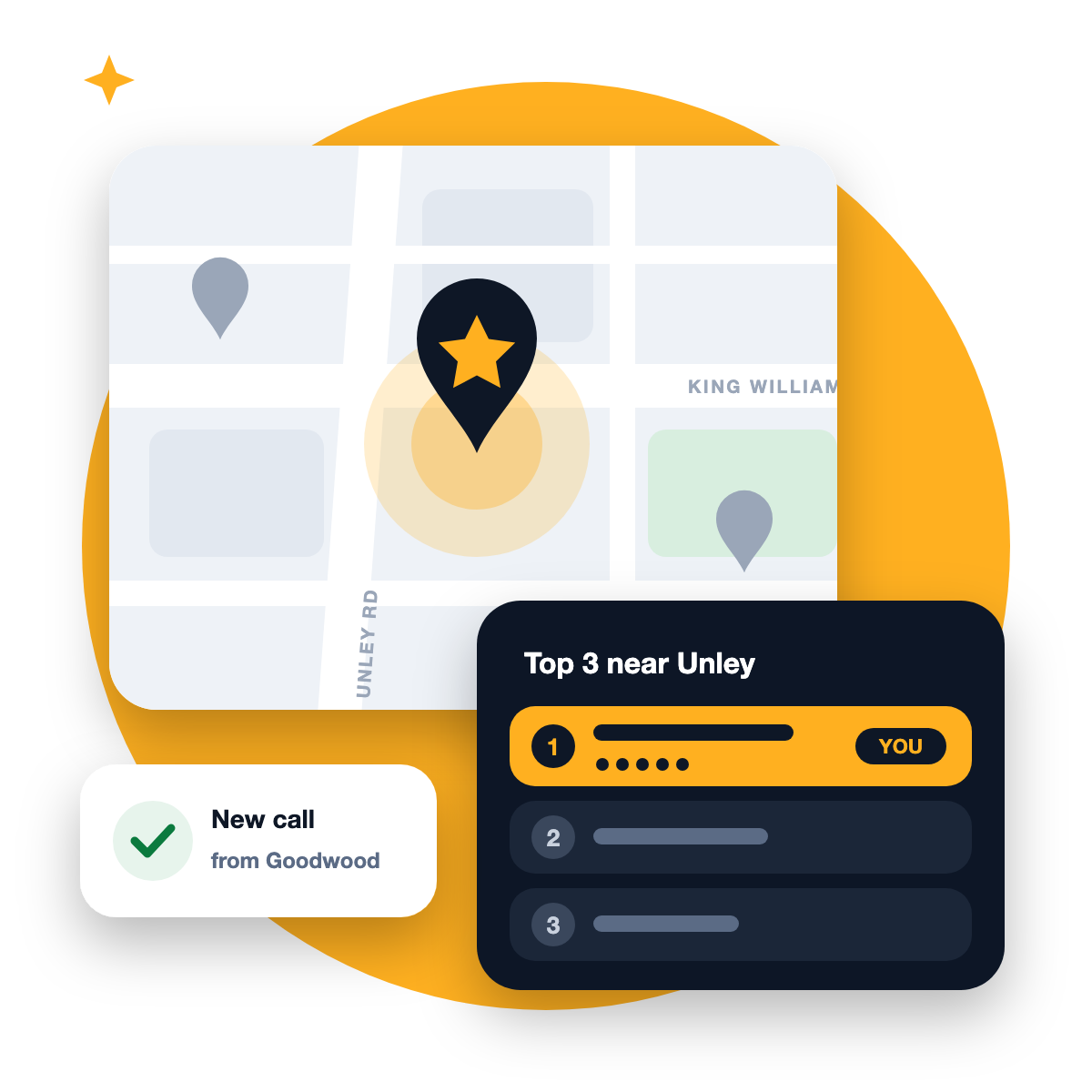
If you run a business in Unley, your best customers are often only a few streets away. They’re searching on their phones for “cafe near me”, “physio Unley” or “electrician Goodwood”, and Google is choosing which three businesses to show them in the map pack.
This guide explains how that choice works and what you can do, step by step, to make sure your business is one of the three.
Why local search in Unley is so competitive
Unley is a small area with a lot of businesses packed into it. Unley Road, King William Road and Goodwood Road are lined with cafes, clinics, salons, boutiques and professional services, and most of them are competing for the same nearby customers.
People here also search very locally. Someone in Parkside or Malvern rarely wants to drive across the city when there’s an option five minutes away. That’s why Google leans heavily on location for these searches, and why a business with a strong profile on Unley Road can lose to a slightly better profile a few blocks closer to the person searching.
The good news: most local businesses still haven’t done the basics properly. A well-run profile can stand out quickly.
How Google decides who shows up
Google says local results are based mainly on three things:
- Relevance: how well your Business Profile matches what someone is searching for
- Distance: how far your business is from the person searching
- Prominence: how well-known your business is, including your reviews and links from other websites
Google also says there’s no way to pay for a better local ranking. You can’t change where you are, so local SEO is about doing everything you can on relevance and prominence.
8 steps to show up in Unley searches
1. Choose the right primary category
Your primary category is the single most important choice on your profile. Pick the one that matches what most customers search for, such as “Physiotherapist” rather than “Health consultant”. Then add secondary categories for the other things you genuinely do.
2. Fill in every part of your profile
Google says businesses with complete and accurate information are more likely to show up. Add your hours (including public holidays), services, a clear description, attributes and your booking or website link. Every empty field is a missed signal.
3. Set your service areas properly
If customers come to you, show your address. If you go to them, as most trades and mobile services do, hide your address and list the suburbs you serve instead: Unley, Goodwood, Parkside, Malvern, Hyde Park, Wayville and so on.
4. Get reviews that mention your area
Reviews are part of prominence, and their wording helps relevance too. You can’t tell customers what to write, but asking “How did you find us, and what did we help with?” naturally leads to reviews like “Fixed our hot water system in Malvern the same day”. Reply to every review, good or bad. Google says helpful replies can help your business stand out.
Our free audit shows where you appear on Google Maps across Unley and the nearby suburbs, and what to fix first.
5. Make your website back up your profile
Google checks that your website agrees with your profile. Your homepage should say clearly what you do and that you’re in Unley. Each main service deserves its own page. If you serve several nearby suburbs, a genuinely useful page about your work in each one can help, as long as it isn’t just the same text with a different suburb name. Our guide to suburb pages that rank explains how.
6. Keep your details consistent everywhere
Your business name, address and phone number should be identical on your website, your profile and directories like Apple Business Connect, Bing Places, Yellow Pages and True Local. An old phone number on one directory sounds small, but it chips away at Google’s trust.
7. Add photos and short videos every week
Google recommends adding photos and videos to show what you offer. A profile with recent photos of your team, your work and your space looks alive. Short phone videos of a job in progress or a new menu item work brilliantly, and the same clips can become reels for Instagram and TikTok. Need ideas? Try our 30 reels ideas for Adelaide businesses.
8. Post updates regularly
Profile posts are a simple way to show you’re active: a new service, a seasonal offer, a tip, an event on King William Road. Aim for one a week.
Common mistakes Unley businesses make
- Adding “Unley” to the business name when it isn’t part of your real name. It’s against Google’s guidelines and can get your profile suspended.
- Using a virtual office or PO box as your address. Google expects a real location where you serve customers or a hidden address with service areas.
- Ignoring negative reviews. A calm, helpful reply often does more for your reputation than the review did damage.
- Setting it up once and forgetting it. Profiles that go quiet for months tend to slip.
How long does it take?
You’ll often see the first changes in your profile’s own insights, such as more calls, website clicks and direction requests, within a few weeks of fixing the basics. Climbing into the top three for competitive searches usually takes longer and depends on your industry and how strong nearby competitors are. Local SEO builds over time, which is also why it keeps working when you stop paying for ads.
Source: How to improve your local ranking on Google, Google Business Profile Help
Frequently asked questions
Can I rank in Unley if my business is in a neighbouring suburb?
Yes, especially for searches from people close to you. Distance matters, but a stronger, more relevant profile can still show up for nearby suburbs.
Do I need a website for local SEO?
You can appear on Google Maps without one, but a website that backs up your profile makes it much easier to rank and gives customers somewhere to learn more before they call.
How many reviews do I need?
There’s no magic number. What matters is getting steady, genuine reviews over time and replying to them. Compare yourself with the businesses currently in the top three for your main search.