
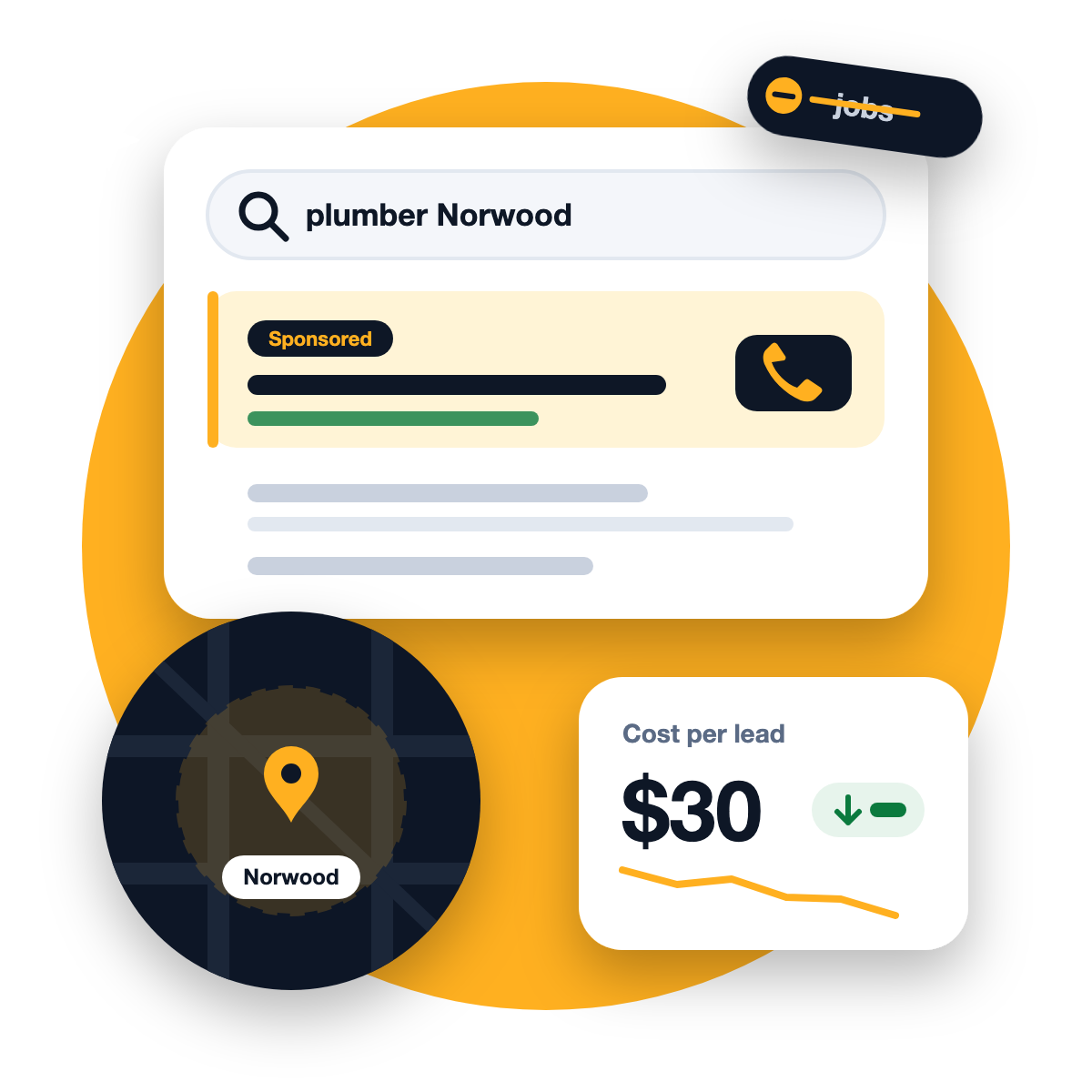
Norwood is one of Adelaide’s busiest local business areas. The Parade is packed with cafes, restaurants, clinics, salons, gyms and shops, and the surrounding eastern suburbs, from Kent Town and Kensington to St Peters, Burnside and Magill, are full of homeowners looking for trusted local services.
That makes Google Ads a powerful tool for eastern suburbs businesses. It also makes it easy to waste money. This guide covers the settings and habits that separate ads that bring in customers from ads that just bring in a bill.
Why Google Ads works well in the eastern suburbs
Google Ads shows your business to people at the exact moment they search for what you sell. Someone typing “dentist Norwood” or “plumber Burnside” isn’t browsing; they need help now.
For local businesses, that intent is gold. Unlike local SEO, which builds over months, ads can start bringing enquiries within days. The trade-off is that you pay for every click, so every setting below matters.
1. Get your location settings right
This is the most common and most expensive mistake we see.
Target the area you actually serve. If customers come to your shop on The Parade, a radius of a few kilometres might cover most of them. If you travel to customers, list the specific suburbs you’re happy to drive to.
Check the “location options” setting. By default, Google can show your ads to people who have shown interest in your area, not just people who are in it. For most local service businesses, choose the option to show ads only to people in or regularly in your targeted locations. Otherwise, you may pay for clicks from people who will never become customers.
Exclude areas you don’t want. If you don’t work north of a certain point or across the hills, exclude those suburbs so you stop paying for them.
2. Choose keywords that signal buying intent
Not every search is worth paying for. Focus on keywords that show someone is ready to book or buy:
Strong intent (bid on these)
Weak intent (usually avoid)
“physio Norwood”
“what is physiotherapy”
“emergency electrician Kensington”
“how to fix a power point”
“best cafe The Parade Norwood”
“cafe jobs Adelaide”
“hair salon near me”
“hair salon business plan”
Combine your service with the suburb, with “near me”, or with urgency words like “emergency”, “same day” or “open now” where they fit your business.
3. Use negative keywords from day one
Negative keywords tell Google which searches you don’t want to appear for. Every local business should start with a list like this:
- jobs, careers, salary, apprenticeship
- free, DIY, how to, course, training
- second hand, cheap (if you’re not a budget option)
- suburbs or cities you don’t serve
Then check your search terms report every week. It shows exactly what people typed before clicking your ad, and it’s where most wasted budget hides.
4. Write ads for the eastern suburbs, not for everyone
Generic ads blend in. Local ads stand out. Mention the area, what makes you different and what happens next:
Norwood Physio, Same-Week Appointments
Local physios on The Parade. Book online in 2 minutes. Free parking nearby.
Use every relevant extension (Google calls them assets): your phone number for tap-to-call, your location, extra links to key pages, and short callouts like “Family owned” or “Open Saturdays”. Only include claims that are true.
We’ll review your Google Ads account for free and show you exactly where money is being wasted.
5. Send clicks to a page that converts
The best ad in the world won’t help if it sends people to a slow homepage with no clear next step. The page should:
- Match the ad (if the ad says “same-week appointments”, the page should too)
- Load fast on a phone
- Show your phone number, a short form and a WhatsApp button near the top
- Show reviews from real local customers
Often the right destination is a dedicated service page or landing page, not your homepage. If your site isn’t up to it, a website built for enquiries pays for itself quickly.
6. Track leads, not just clicks
Clicks are a cost, not a result. Set up conversion tracking for the things that actually matter: phone calls, form submissions and WhatsApp messages. Without it, Google can’t learn which searches bring customers, and you can’t tell whether your ads are paying off.
The number to watch is cost per lead:
Cost per lead = ad spend ÷ number of leads
For example, if you spent $600 in a month and got 20 tracked enquiries, your cost per lead is $30. (These numbers are only an illustration; yours will depend on your industry and area.) Compare that with what a new customer is worth to you, and you’ll know whether to scale up, hold or rethink.
7. Schedule ads for when you can answer
If most of your leads are phone calls and nobody answers after 5pm, consider reducing or pausing ads in the evening. A missed call from an ad is money spent for nothing. Check your data after a few weeks to see when leads actually come in.
Should Norwood businesses use Meta ads too?
Google Ads catches people who are already searching. Facebook and Instagram ads reach people who aren’t searching yet but match your area. For visual businesses on The Parade, such as cafes, restaurants, beauty and fitness, Meta ads with short videos can be a great way to stay top of mind with locals. Many businesses use both: Google for demand that exists, Meta for creating it.
Frequently asked questions
How much should a Norwood business spend on Google Ads?
It depends on your industry and how competitive your keywords are. Start with a budget you’re comfortable testing for a couple of months, track your cost per lead, then scale up what works.
Can I target only the eastern suburbs?
Yes. You can target specific suburbs or a radius around your business, and exclude areas you don’t serve.
Is Google Ads better than SEO?
They do different jobs. Ads bring leads quickly while you pay; local SEO builds steady visibility that lasts. Most local businesses benefit from both.